
Google has confirmed a major policy shift tied to Google Play Services, the background framework that powers backups, syncing, and account services on every Android phone. Starting in September 2026, all data saved through Android device backups will count against a user’s Google Account storage limit. Google announced the change through an email sent to Android users this month, and the update affects anyone who relies on automatic backups to protect their photos, messages, and settings. The shift matters because it changes how quickly free storage fills up for millions of Android owners.
What Is Changing For Google Play Services And Android Backups
Until now, Google Play Services only counted Google Photos uploads and MMS attachments toward the 15GB free storage allowance. Everything else, including SMS text, call history, and device settings, was backed up without touching that limit.
That change takes effect 45 days after Google’s notification email lands in a user’s inbox. From that point, every category of backup data managed through Google Play Services counts toward account storage, whether the user is on the free tier or a paid Google One plan.
New Storage Policy Details
Google says the average account should see only a modest increase, estimated at around 40 MB per user. The company is including a personalized breakdown in its emails, showing current usage against total storage. If an account runs out of space, automatic backups handled by Google Play Services will pause until space is freed up.
To soften the impact, Google is rolling out granular controls inside backup settings. Android 9 and newer devices can now independently toggle SMS and MMS backup, call history backup, and device settings backup, giving users more say over what Google Play Services actually stores.
Read more: Apple TV App On Android

Why Google Play Services Sits At The Center Of This Change
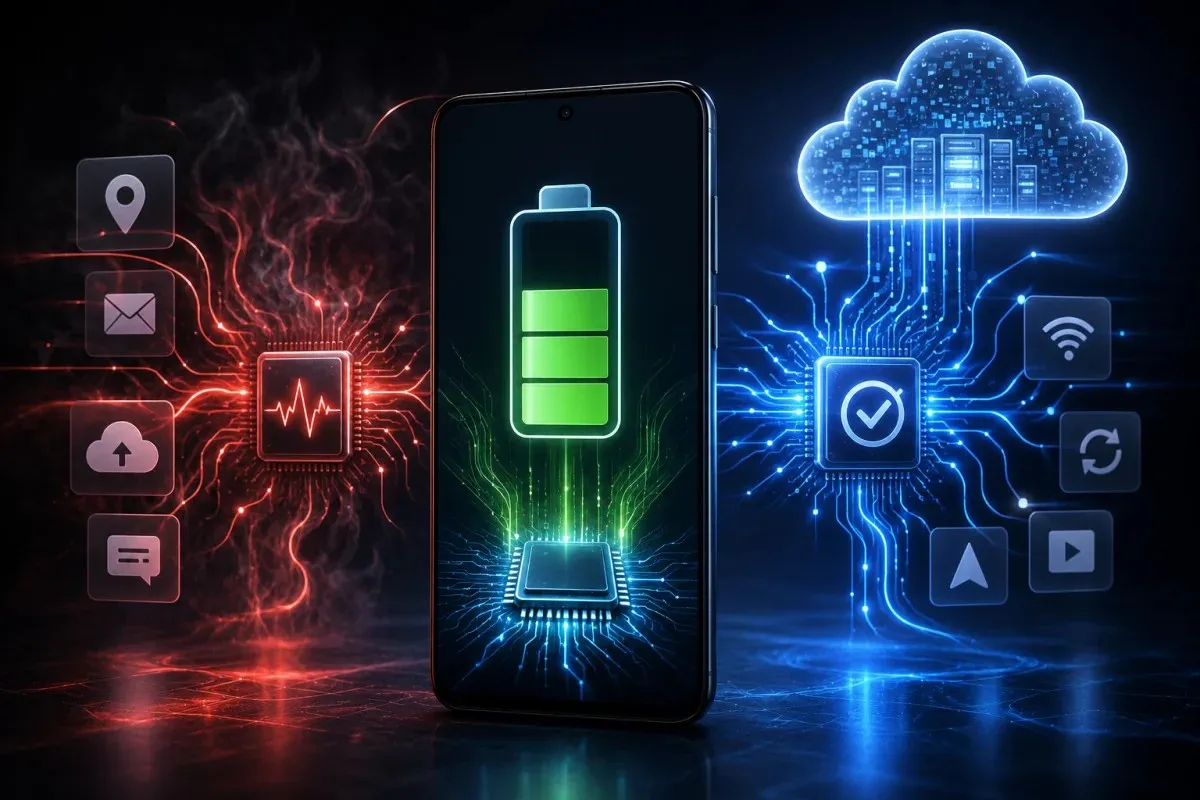
Google Play Services rarely gets attention on its own, but it is the engine behind nearly every background task on an Android phone. It manages location requests, push notifications, account sign-ins, and now a larger share of backup responsibility than before.
The Role Of Background Syncing
Because Google Play Services constantly syncs data in the background, it often appears at the top of battery usage lists. That visibility can be misleading, since it reflects work being requested by other apps rather than problems within Google Play Services itself. The Google app, for instance, frequently triggers Play Services through location access and background refresh, even though Play Services shows the resulting battery drain.
Users chasing better battery life sometimes restrict or disable Google Play Services directly. That approach tends to backfire, breaking notifications, Google Maps, sign-ins, and the Play Store, since so many core functions depend on it running normally.
Google Play Services And The New Battery Standards
Alongside the storage change, Google has tightened the way it measures battery efficiency for apps that rely on Google Play Services for background activity. The company refined its wake lock tracking standards in late 2025, and enforcement began on March 1, 2026.
How Wake Locks Affect Performance
A wake lock keeps a phone’s processor active even after the screen turns off, which is sometimes necessary for downloads or time-sensitive tasks. Under the new rule, an app crosses the line if it holds non-exempt partial wake locks for more than two cumulative hours a day while running in the background.
Apps that exceed this threshold in more than 5% of sessions over a rolling 28-day period risk losing placement in Play Store recommendations. Google may also display a battery warning directly on the app’s store listing, a change designed to push developers toward lighter background use of Google Play Services.
Read more: Microsoft 365
What Android Users Can Check Right Now
Anyone wanting to manage storage and battery use tied to Google Play Services has a few practical options available today.
- Open Settings, then Accounts and Backup, then Google Backup to review what Google Play Services currently backs up
- Turn off individual backup categories like call history or device settings if storage space is limited
- Check Settings, Apps, Google, Battery to see how much background activity Google Play Services and the Google app are generating
- Disable the Discover feed inside the Google app settings to reduce background data fetching
- Use the Google One storage manager to track how close an account is to its limit before backups pause
Rollout Timeline And What Comes Next
The updated storage policy is already active for new Android backup users, with existing accounts transitioning over the coming months following each user’s individual 45-day notice period. Google says the expanded per-app and per-category controls will continue rolling out gradually across Android versions 9 and above.