Apple TV for Android has picked up home screen widgets for the first time, giving users a faster way to jump back into shows and movies without opening the app. The update arrived on July 16, 2026, through version 2.5 of the Apple TV app on the Play Store. Apple paired the release with a companion update to Apple Music, its other Android app. The change matters because Apple TV has lagged behind rival streaming apps on Android in basic home screen convenience features for years.
What The New Apple TV Widgets Do
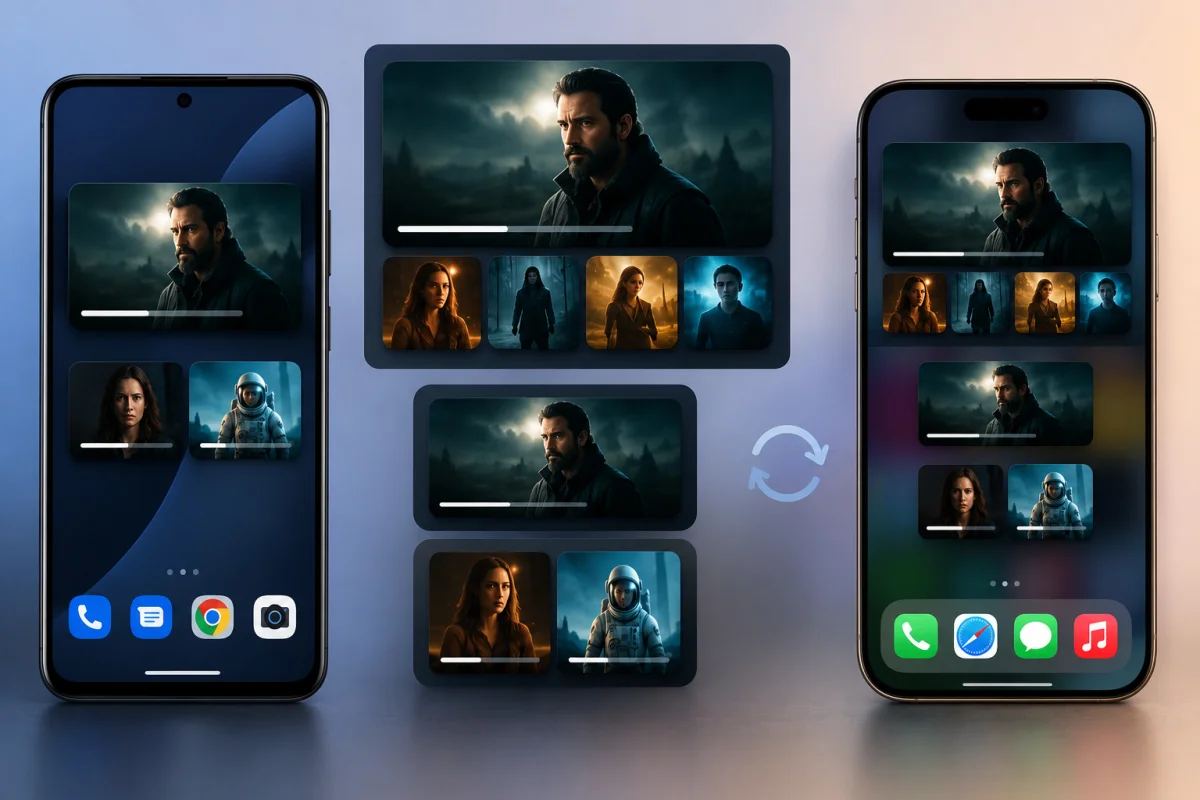
The Apple TV update brings three widget sizes, each pulling from the Continue Watching row that normally sits at the top of the app’s main tab. This row already tracks what a viewer has started, so extending it to the home screen removes an extra step from daily use. Small displays a single title, while Medium doubles that to two titles shown side by side.
Large Widget Adds Bigger Artwork
The Large option shows expanded artwork for the first item in the Continue Watching list, along with a scrollable row of additional titles underneath. Tapping any entry launches playback immediately, so Apple TV users no longer need to open the app to find where they left off. This design mirrors how many other Android streaming widgets already work, giving Apple TV a more familiar feel for anyone switching from a rival app.
Widget Behavior Matches iOS
None of the three widgets can be resized once placed on the home screen, a limitation some Android users may find restrictive compared to more flexible home screen tools. This matches how Apple TV widgets already function on iOS, keeping the layout and behavior consistent across both platforms. Apple appears to have prioritized parity with iOS rather than building Android-specific widget sizes from scratch.
Learn more: Valve Steam Frame
Why Apple TV Took This Long To Add Widgets
Apple has historically treated its Android apps as a lower priority than iOS apps, often shipping features on iPhone months or years before they reach Android. The company only launched a dedicated Apple TV app for Android phones and tablets last year, so home screen widgets represent a natural next step once the app had time to mature on the platform.
Android users have had access to widgets from competing streaming services for a long time, which made the wait for Apple TV widgets stand out even more. Google TV, Netflix, and several other apps already let Android users resume playback directly from the home screen, so this update brings Apple TV closer to the platform’s standard behavior.
How To Get The New Apple TV Widgets
The rollout is now live on the Play Store, and Apple TV users on Android should see version 2.5 as an available update. No separate signup or beta enrollment is required to access the new widgets.
- Update the Apple TV app to version 2.5 or later through the Play Store
- Long-press an empty area of the home screen and select Widgets
- Find Apple TV in the widget list and choose Small, Medium, or Large
- Place the widget and tap any title to resume playback instantly
Apple Music Update Arrives Alongside Apple TV
Apple Music also jumped from version 5.2 to 6.5 on the same day, a larger version leap than usual for the app. This may reflect Apple aligning its Android build numbers with iOS, where 26.5 is the current stable release on iPhone. The timing suggests Apple is treating both apps as part of a coordinated Android push rather than releasing updates in isolation.
New Widgets And Sharing Options
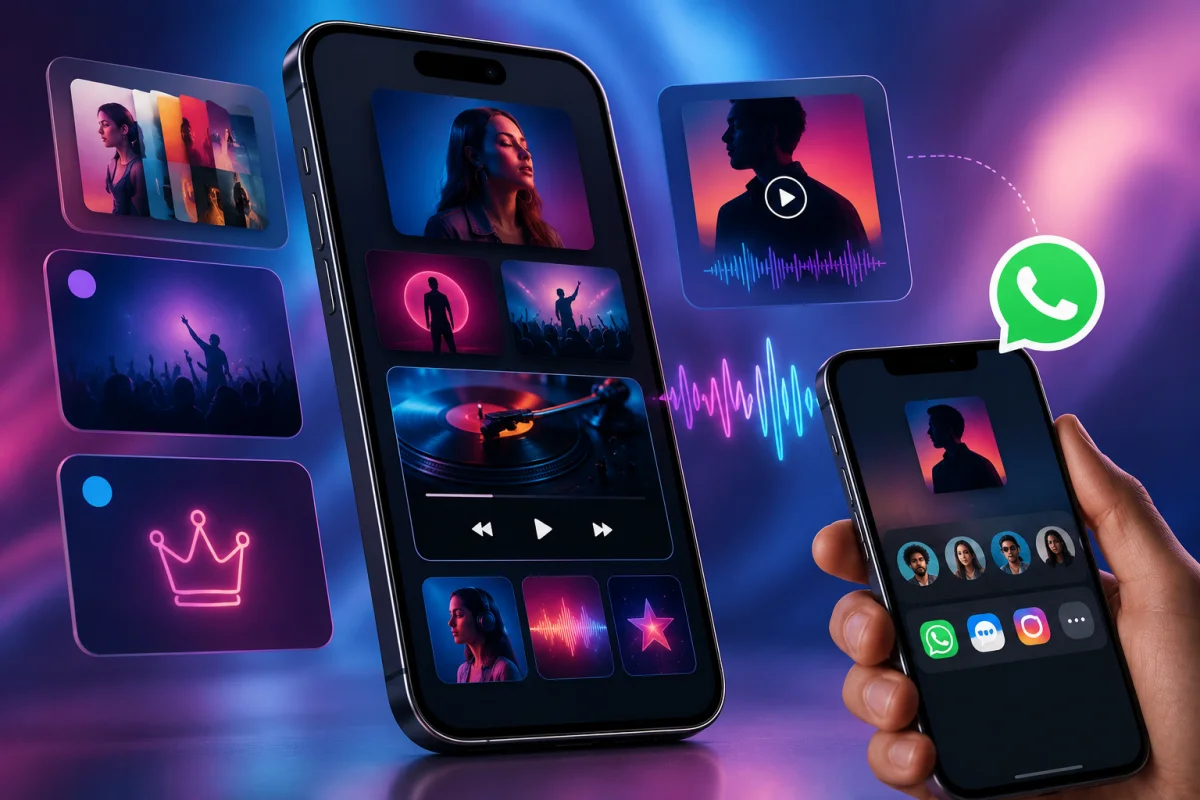
The Apple Music release introduces two additional widgets. Pins give one-tap access to any pinned song, album, or playlist, while Live Radio starts playback instantly without opening the dedicated radio tab. Both join existing widgets for Now Playing, Recently Played, Recommendations, and Top Charts, giving Apple Music a fuller widget lineup on Android.
Apple Music can now also share songs, albums, playlists, and lyrics directly to WhatsApp, a small but useful addition for anyone who regularly sends tracks to friends. It removes the extra steps of copying a link and manually switching apps.
Read more: OnePlus Nord Buds 4
What This Means For Apple TV And Apple Music Users
Pairing widget support across both apps suggests Apple is investing more attention in its Android software than it has in previous years. For Apple TV specifically, the addition closes a gap that made the app feel less convenient than Android native alternatives, several of which have offered home screen shortcuts for a long time.
Practical Impact For Everyday Streaming
Anyone who regularly switches between shows will notice the biggest benefit from the Apple TV Large widget, since it surfaces more options without requiring extra taps to browse. The Medium and Small sizes work well for users who mainly want a quick shortcut to resume a single title without extra clutter on their home screen.
Apple has not indicated whether further Apple TV features are planned for Android in the near term. For now, the version 2.5 widget update is rolling out broadly, and users can update through the Play Store today to start using the new home screen shortcuts right away.