You built your freelance career on skill, reputation, and trust. One cyberattack can destroy all three in a single afternoon. Freelancers are one of the most targeted groups in today’s threat landscape — and most don’t realize it until it’s too late. You handle sensitive client files, store payment credentials, manage contracts, and communicate through multiple platforms, all without an IT department watching your back. To a cybercriminal, that’s an open invitation.
The numbers are sobering. Small businesses and independent professionals account for a disproportionate share of ransomware victims each year, precisely because they tend to operate with minimal security infrastructure. A phishing email that tricks a corporate employee gets caught by an enterprise email filter. The same email lands straight in your inbox.
This guide exists to close that gap. Whether you’re a graphic designer, software developer, content writer, consultant, or virtual assistant, the principles here apply to your work. You’ll learn exactly what threats target freelancers, how to defend against them with practical, affordable tools, and how to build a security posture that actually protects your livelihood — without needing a cybersecurity degree to implement it.
Read more: Cybersecurity for Ecommerce Stores
Why Freelancers Are Prime Cybersecurity Targets
Before diving into solutions, it helps to understand why the risk is real and why it’s growing.
You Hold Valuable Data Without Enterprise Defenses
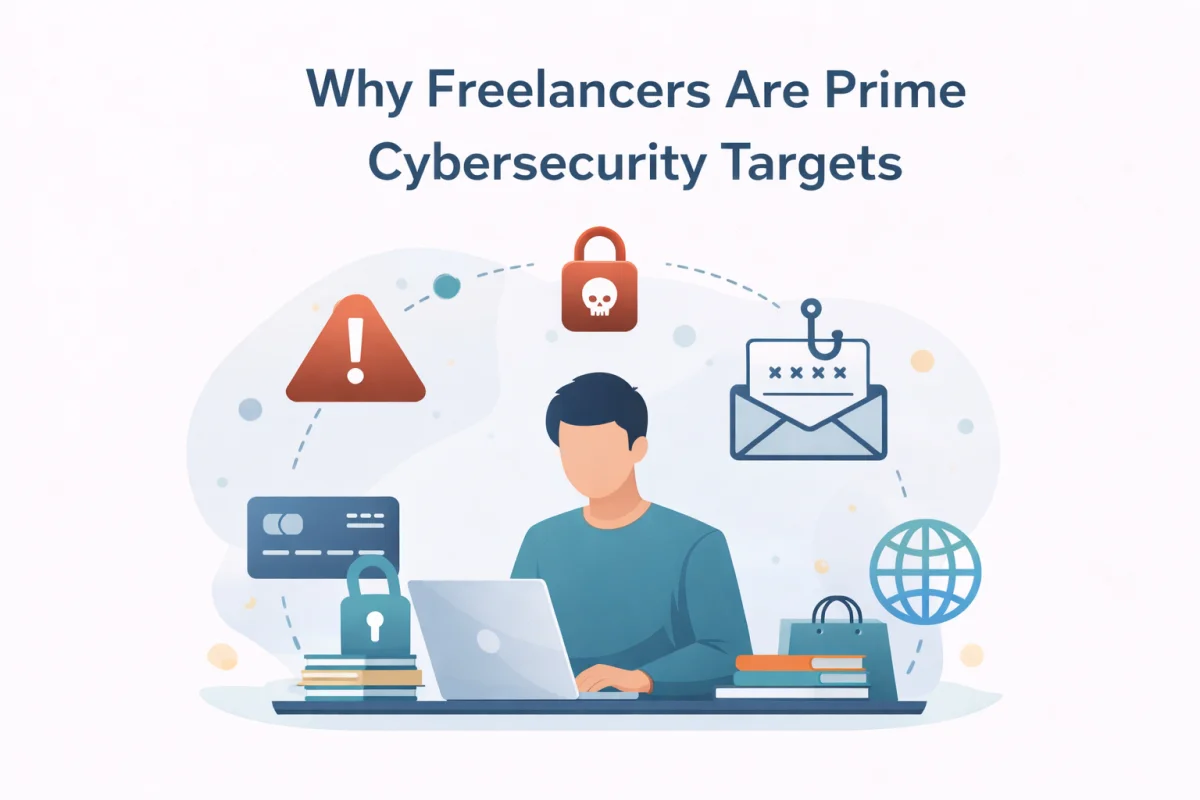
Freelancers regularly handle client intellectual property, non-disclosure agreements, financial records, login credentials for client platforms, and sensitive personal data. That’s the same type of data corporations spend millions protecting. Yet most freelancers rely on a personal laptop, a free email account, and maybe a cloud storage subscription.
Cybercriminals know this asymmetry exists. Targeting a solo professional costs less effort than breaching a corporate network, yet the potential payoff — stolen client data, ransomed project files, hijacked payment accounts — can be substantial.
You’re a Gateway to Bigger Targets
When you work with enterprise clients, you often receive access to their internal systems, project management tools, communication channels, and file repositories. Threat actors increasingly use vendors and contractors as entry points into larger organizations. If your device or account is compromised, attackers can potentially pivot into your client’s environment — a scenario that puts both your business and your client relationships at serious risk.
Remote Work Expands the Attack Surface
Freelancing means working from coffee shops, co-working spaces, home networks, and client offices. Each location introduces new network risks. A public Wi-Fi session without proper protection is one of the easiest ways for attackers to intercept your traffic or conduct a man-in-the-middle attack.
Read more: Cybersecurity for Law Firms
The Threat Landscape: What You’re Actually Up Against
Understanding the specific threats targeting freelancers helps you prioritize the right defenses. These are the most common attack vectors you need to know.
Phishing and Spear Phishing
Phishing remains the leading cause of data breaches globally, and freelancers are frequent targets. You receive dozens of emails from new contacts, prospective clients, invoicing platforms, and file-sharing services every week. Attackers exploit that pattern.
A spear-phishing attack goes further — the attacker researches you specifically, often using your LinkedIn profile or portfolio website, and crafts a message that appears to be a legitimate project inquiry or client communication. The email contains a malicious link or attachment that installs malware or captures your credentials when you click it.
Ransomware
Ransomware encrypts your files and demands a ransom payment, typically in cryptocurrency, to restore access. For a freelancer, this means losing access to active client projects, deliverables, contracts, and years of archived work. Even if you pay, there’s no guarantee you’ll recover your data. And even if you do, you’ve handed money directly to criminal organizations while still risking reputational damage among affected clients.
Account Takeover
Your email account, cloud storage, project management tools, and payment platforms are all high-value targets. If an attacker gains access to your email, they can reset passwords on every service tied to that address, effectively locking you out of your entire digital life.
Credential stuffing — where attackers use leaked username-password combinations from one breach to attack other accounts — is a particularly common vector. If you reuse passwords across platforms, you’re at elevated risk.
Invoice and Payment Fraud
Freelancers face a unique financial threat: invoice fraud. Attackers who gain access to your email (or a client’s email) can intercept invoice communications and swap out your payment details for their own. Clients pay what they think is your invoice, but the money goes to a fraudster’s account. By the time anyone notices, the funds are gone.
Malicious Software and Infected Files
You regularly receive files from clients — design briefs, content documents, code repositories, spreadsheet templates. Any of these can carry malicious code. Opening an infected file on your device can install keyloggers, spyware, or ransomware without any visible warning.
Read more: Cybersecurity Policy
Building Your Freelance Cybersecurity Foundation
Now that you understand the threat landscape, here’s how to build a layered defense that’s practical for a solo professional or small freelance operation.
Secure Your Devices First
Your laptop and smartphone are the center of your freelance operation. Their security is non-negotiable.
Keep your operating system and software up to date
The majority of successful cyberattacks exploit known vulnerabilities for which patches are already available. Delaying updates is one of the most common and preventable mistakes independent professionals make. Enable automatic updates for your OS, browser, and all productivity applications.
Use full-disk encryption
Both Windows (BitLocker) and macOS (FileVault) offer built-in full-disk encryption. Enable it. If your laptop is ever lost or stolen, encryption ensures that your files remain inaccessible to anyone who finds it. This single step can also be a legal and contractual requirement if you handle client data under GDPR, HIPAA, or similar frameworks.
Install reputable endpoint security software
A modern endpoint protection platform does more than scan for viruses. Look for tools that include real-time malware detection, ransomware protection, phishing URL blocking, and behavioral analysis. Products like Malwarebytes Premium, Bitdefender Total Security, or ESET Internet Security offer solid protection at a price point accessible to freelancers.
Lock your screen automatically
Set your device to lock after five minutes of inactivity. It’s a simple habit that prevents opportunistic access in public spaces.
Implement Strong Password Hygiene
Weak, reused passwords remain among the most exploited vulnerabilities in cybersecurity. For freelancers managing dozens of accounts across platforms, a password manager is the solution. A password manager like Bitwarden (free, open-source), 1Password, or Dashlane generates and stores unique, complex passwords for every account you use.
You only need to remember one strong master password. This eliminates the risk of credential reuse entirely and makes it practical to maintain genuinely strong passwords — 16+ characters with mixed complexity — across all platforms.
Enable Multi-Factor Authentication Everywhere
Multi-factor authentication (MFA) is one of the highest-impact security controls available to freelancers. When MFA is enabled, an attacker who steals your password still can’t access your account without a second factor — typically a time-sensitive code from an authenticator app. Enable MFA on every account that supports it, starting with:
Your primary email account (this is your master key — protect it first), cloud storage services like Google Drive, Dropbox, or OneDrive, your password manager, invoicing and accounting platforms, client project management tools (Asana, Trello, Notion, Basecamp), and your domain registrar if you own a professional website.
Use an authenticator app like Google Authenticator, Authy, or Microsoft Authenticator rather than SMS-based codes when possible. SMS codes are vulnerable to SIM-swapping attacks, while authenticator apps are significantly more secure.
Protect Your Network
Your home network is your primary working environment. Treat it like a professional asset.
Secure your Wi-Fi router
Change the default admin credentials on your router immediately — factory defaults are publicly documented and trivially exploited. Use WPA3 encryption if your router supports it, or WPA2 at minimum. Disable WPS (Wi-Fi Protected Setup), which has known vulnerabilities.
Create a guest network for IoT devices
Smart TVs, printers, smart speakers, and other internet-connected devices have notoriously poor security. Isolating them on a separate guest network prevents a compromised device from becoming a foothold on the network your work devices use.
Use a VPN on public networks
Any time you work from a coffee shop, hotel, or co-working space, use a reputable VPN (Virtual Private Network) to encrypt your traffic. A commercial VPN like Mullvad, ProtonVPN, or ExpressVPN prevents attackers on the same network from intercepting your communications. Avoid free VPN services — many monetize their users’ data, which defeats the purpose entirely.
Back Up Your Work — Consistently and Correctly
Data backups are your insurance policy against ransomware, hardware failure, and accidental deletion. The industry standard for backup strategy is the 3-2-1 rule: Maintain three copies of your data, stored on two different media types, with one copy stored offsite or in the cloud.
For a freelancer, this might look like your working files on your laptop, a local backup on an external hard drive, and a cloud backup via Backblaze, Acronis, or Arq. At minimum, ensure your cloud backup runs automatically and includes your most critical project files, contracts, and financial records.
Secure Your Communications
Professional communication carries real security risk. Email, messaging apps, and video calls all represent potential vectors for interception or eavesdropping.
Use end-to-end encryption for sensitive conversations
Signal remains the gold standard for encrypted messaging. ProtonMail and Tutanota offer end-to-end encrypted email for sensitive client communications that warrant that level of protection.
Be cautious with email attachments
Before opening any attachment from a new contact — even one claiming to be a client — scan it with your endpoint security software. For high-risk file types such as macros-enabled Office documents (.docm, .xlsm), exercise extreme caution, as they are commonly weaponized in phishing attacks.
Verify payment and invoice changes by voice or video call
Before acting on any email request to change payment details — from a client, a platform, or anyone else — call the requester directly using a phone number you already have on file, not the one provided in the email.
Read more: What Is a Cybersecurity Stack?
Client-Specific Security Practices
Your security posture affects more than just you — it affects every client you work with. Building client-facing security practices demonstrates professionalism and builds trust.
Use Dedicated Work Accounts
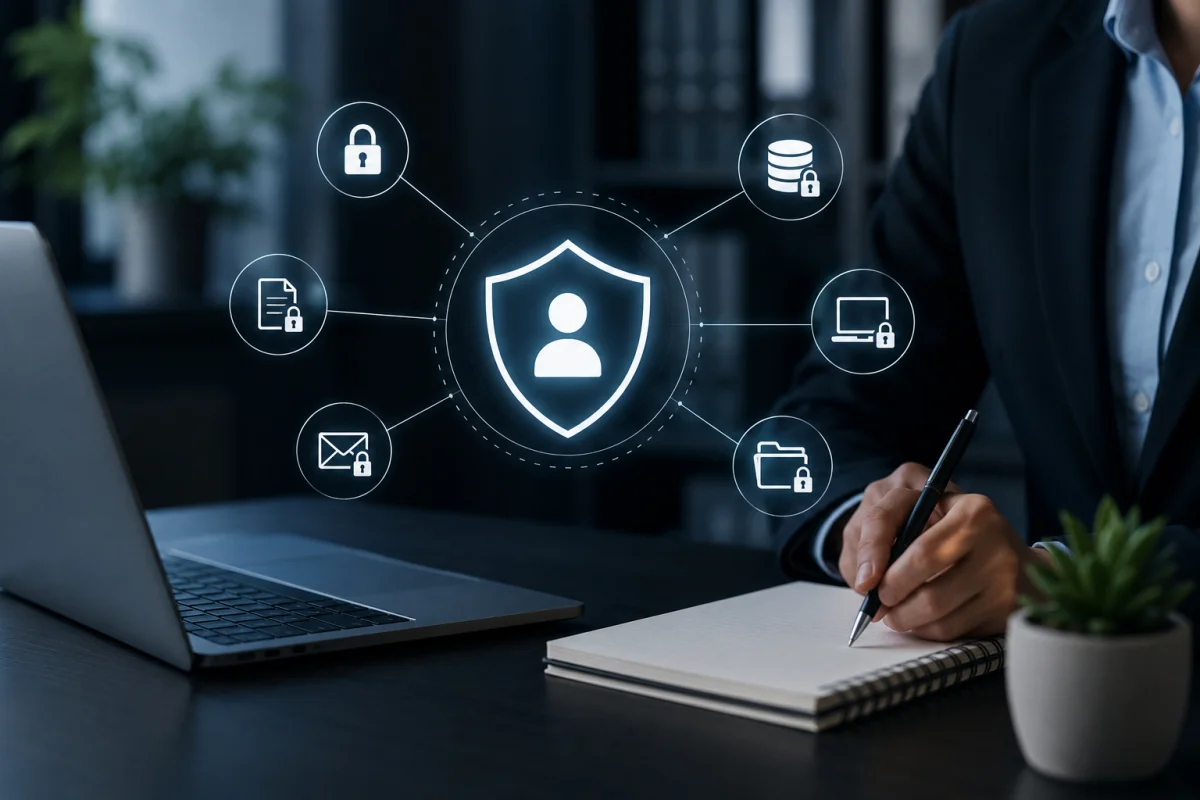
Keep your work and personal digital lives separate. Use a dedicated work email address (ideally on a custom domain you own), separate browser profiles for work and personal browsing, and distinct cloud storage accounts for client files versus personal documents.
This separation limits the blast radius if one account is compromised. It also presents a more professional image to clients and makes it easier to manage permissions and access when client engagements end.
Manage Client Access Carefully
When clients grant you access to their platforms, tools, or accounts, apply the principle of least privilege. Request only the access you actually need to complete the work. If a client gives you admin-level credentials when you only need editor access, ask for a more limited role.
When a project ends, proactively remove yourself from any client systems you were added to, or request that the client revoke your access. Lingering access to former clients’ systems represents a security risk for both parties and raises liability concerns.
Use Secure File Sharing
Sending sensitive documents via standard email attachments creates unnecessary risk. Use encrypted file-sharing platforms for sensitive client deliverables. Tools like Tresorit, ProtonDrive, or even standard cloud storage links with password protection and expiration dates offer meaningful improvements over unprotected email attachments.
Never transmit login credentials, financial data, or personally identifiable information in plain-text email. If you need to share sensitive credentials with a client, use a password-sharing feature in a tool like 1Password or a secure, self-destructing link service.
Read more: 9 Must-Have Security Controls
Legal and Contractual Cybersecurity Considerations
Many freelancers overlook the legal dimension of cybersecurity. Depending on your clients and the nature of your work, you may have contractual or regulatory obligations around data security.
Understand Your Data Obligations
If you work with clients subject to GDPR (European clients or any organization handling EU resident data), HIPAA (healthcare), PCI DSS (payment card processing), or similar regulations, their data security requirements may extend to you as a vendor or contractor. Review your client contracts carefully for any data protection clauses, and ensure your practices align.
Include a Cybersecurity Clause in Your Contracts
Your freelance contract should address what happens in the event of a data breach. Work with a lawyer or use a professionally reviewed freelance contract template that includes provisions for data-handling responsibilities, breach notification obligations, and limitations of liability. This protects you from disproportionate legal exposure if a security incident occurs despite your reasonable precautions.
Consider Cyber Liability Insurance
Cyber liability insurance is increasingly accessible and affordable for independent professionals. A basic policy can cover costs related to data breach notification, legal fees, ransomware response, and business interruption. Organizations like HISCOX and Next Insurance offer policies specifically designed for freelancers and small businesses.
Read more: SOC Tools for Threat Detection
Cybersecurity Tools Worth Using as a Freelancer
Here’s a practical, curated toolkit built for solo professionals.
- Password Management: Bitwarden (free tier is excellent), 1Password, or Dashlane.
- Two-Factor Authentication: Authy or Google Authenticator for app-based MFA; hardware security keys, such as YubiKey, for maximum security on critical accounts.
- Endpoint Security: Malwarebytes Premium, Bitdefender Total Security, or ESET Internet Security.
- VPN: ProtonVPN (strong privacy reputation, solid free tier), Mullvad, or ExpressVPN.
- Cloud Backup: Backblaze Personal Backup (excellent value), Acronis Cyber Protect, or Arq combined with cloud storage.
- Encrypted Communication: ProtonMail for sensitive email, Signal for secure messaging.
- Secure File Sharing: Tresorit, ProtonDrive, or ShareFile for sensitive client deliverables.
- DNS Filtering: Cloudflare’s 1.1.1.1 with WARP, or NextDNS, to block malicious domains at the network level — a lightweight but effective layer of protection.
Building Security Habits That Last
Technology alone doesn’t create a secure freelance operation. Consistent habits matter as much as the tools you use.
Conduct a Personal Security Audit Quarterly
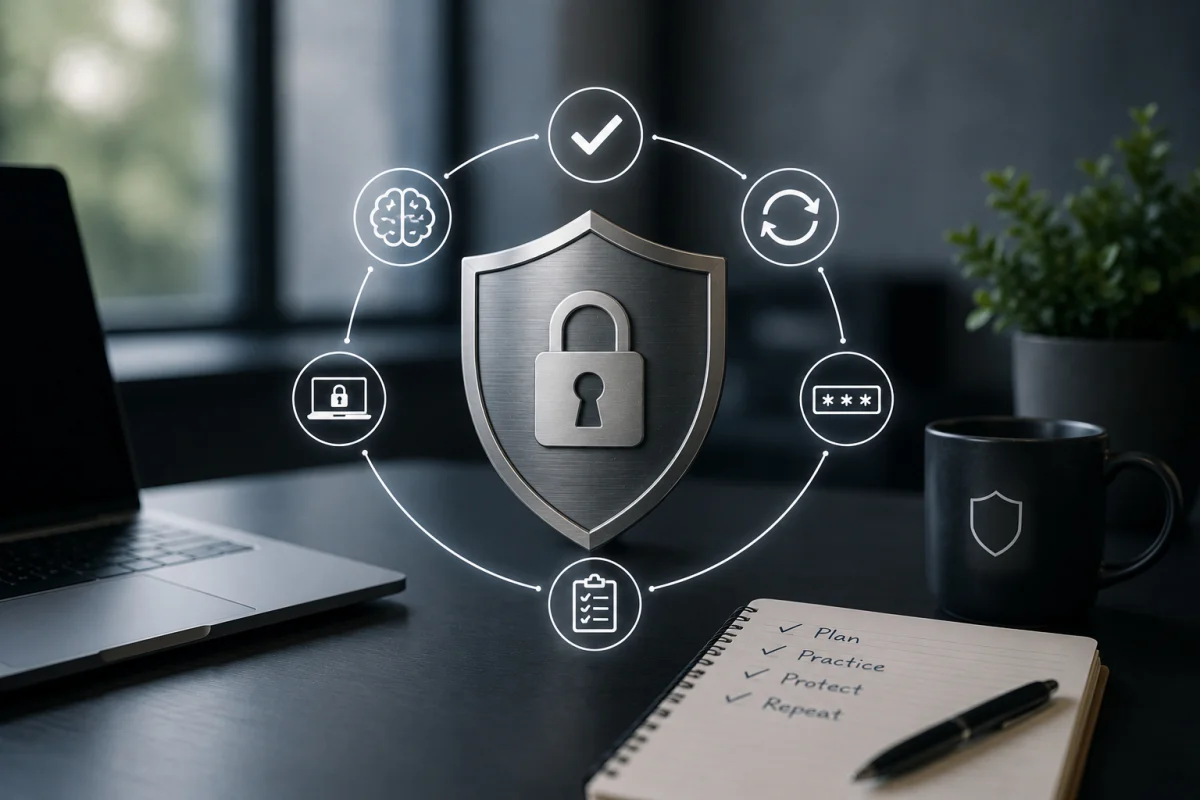
Set a reminder every three months to review your security posture. Check for software updates you may have missed, rotate passwords on your highest-value accounts, review which apps and services have access to your primary accounts, and confirm your backups are running correctly.
Stay Informed Without Getting Overwhelmed
You don’t need to follow every security news story, but staying broadly aware of major threats helps you make better decisions. Security newsletters like Krebs on Security, the SANS Internet Stormcast, and Troy Hunt’s HaveIBeenPwned alerts for your email addresses are low-effort ways to stay informed.
Sign up at haveibeenpwned.com to receive automatic alerts if your email address appears in a known data breach. It’s free and takes about two minutes to set up.
Train Your Threat Recognition
Most successful attacks succeed not because of sophisticated technical exploits but because the target was manipulated into taking an action — clicking a link, entering credentials, opening an attachment. Learning to recognize social engineering attempts is one of the most valuable skills you can develop.
Red flags to watch for: unexpected urgency in any communication, requests involving payment or credential changes, messages from known contacts that use unusual tone or phrasing, and any request to bypass a normal process “just this once.” If something feels off, trust that instinct and verify through an independent channel.
Read more: 12 Essential Steps to Secure Your Remote Workspace
What to Do If You’re Compromised
Even with strong defenses, breaches happen. Having a response plan ready minimizes damage.
If your account is compromised
Change your password immediately from a clean device. Revoke active sessions in the account’s security settings. Enable MFA if it wasn’t already active. Notify affected clients if their data or access was involved.
If you’re hit with ransomware
Disconnect the affected device from the network immediately to prevent spread. Do not pay the ransom — payment doesn’t guarantee recovery and funds further criminal activity. Contact a reputable incident response service or cybersecurity professional. Restore from your most recent clean backup.
If client data is involved
Review your contract and applicable regulations for breach notification requirements. Consult a lawyer before making formal notifications to understand your obligations and protect your legal rights. Document everything — timelines, actions taken, communications — from the moment you discover the incident.
Cybersecurity as a Professional Differentiator
Here’s the perspective shift worth making: cybersecurity isn’t just a cost of doing business as a freelancer. It’s a competitive advantage.
Clients increasingly care about the security practices of the vendors they work with, especially enterprise clients managing their own compliance requirements. Being able to articulate how you handle client data, the security measures you maintain, and your incident response process demonstrates professionalism that sets you apart.
Consider adding a brief security statement to your client onboarding materials. Outline how you store and protect client files, how you handle access credentials, and how you manage data at project end. It’s a small gesture that signals maturity and earns trust — particularly with clients in regulated industries.
Final Thoughts
Cybersecurity for freelancers isn’t about achieving perfection or turning yourself into a full-time security professional. It’s about closing the most common gaps, building habits that scale across your client portfolio, and removing the low-hanging fruit that attackers depend on.
Start with the fundamentals: a password manager, MFA on your most important accounts, full-disk encryption on your devices, and an automated backup system. Layer on network security and secure communications from there. Then build the habits — regular audits, vigilance around incoming communications, and the discipline to verify before you trust.
Your freelance business is worth protecting. The investment is smaller than you think, and the alternative is far more costly than most people expect — until they learn the hard way.