Lisa AI has become one of the most talked-about AI avatar and art generator apps, known for turning ordinary photos into avatars, digital art, and animated videos in just a few taps. Millions of users have downloaded Lisa AI to create stylized portraits, try text-to-art tools, and experiment with video effects that transform ordinary clips into eye-catching content for social media. But along with its popularity, Lisa AI has also generated questions, especially around pricing, subscriptions, and how to cancel if the app no longer fits your needs. This guide covers everything you need to know about Lisa AI, from its core features and pricing tiers to a full walkthrough on managing and canceling your subscription without the usual hassle.
What Is Lisa AI?
Lisa AI is an AI-powered mobile application that turns photos and text prompts into avatars, digital art, and short animated videos. The app uses machine learning models trained on large image datasets to generate custom visuals in a matter of seconds. Instead of requiring design skills or editing software, Lisa AI lets users upload a photo or type a description and receive a finished piece of art almost instantly.
The app has grown popular among social media users, artists, and casual creators who want quick, shareable content. Lisa AI is available on both iOS and Android, with a simple interface built around a few core tools rather than a complicated menu of features. This accessibility is a big part of why so many people search for Lisa AI when looking for an easy way to create AI-generated visuals.
Core Features
Lisa AI offers several main tools inside one app. The AI Avatar feature lets users upload photos and generate stylized versions of themselves, including fantasy, historical, or futuristic looks. The Text to Art tool converts a written description into a fully rendered image, while the Image to Art feature transforms an existing photo into a new artistic style. Lisa AI also includes Video Effects, which apply AI-generated styles to short clips, and Deforum, a tool for creating animated sequences from photos or videos. Together, these features make Lisa AI a fairly complete package for anyone interested in AI-generated content.
Who Lisa AI Is For
Lisa AI is designed for a wide range of users rather than one narrow group. Casual users enjoy it for quick avatar creation and fun social media posts. Content creators use Lisa AI to produce eye-catching videos and images for platforms like Instagram and TikTok. Digital artists sometimes use the app as a starting point for ideas before refining them further in other software. Because Lisa AI does not require design experience, it appeals to beginners just as much as experienced creators looking for a faster workflow.
How Lisa AI Works
Using Lisa AI is designed to be simple, even for people with no design background. After downloading the app, users create a profile and choose which tool they want to use, whether that is generating an avatar, creating art from text, or applying video effects. The app then processes the input using its AI models and returns a finished result within seconds. Because everything happens inside the app, there is no need for external editing software or technical setup.

Uploading Photos and Generating Avatars
To create an avatar, users upload one or more clear photos of themselves. Lisa AI then analyzes these images and applies a chosen style, such as fantasy, royalty, or futuristic themes. The app offers dozens of avatar styles that are updated regularly, so results can vary depending on which pack is selected. Users can also create separate profiles for family members or friends, which makes it easier to generate personalized avatars for multiple people without mixing up photo sets.
Text to Art and Image to Art
The Text to Art tool works by typing a description of a scene, object, or character. Lisa AI interprets this text and generates a matching image, often within moments. Image to Art works differently, since it starts with an existing photo instead of a written prompt. Users upload a picture and select a style, and Lisa AI transforms the original image into a new piece of art. Both tools rely on the same underlying AI engine, just with different starting points.
Coins, Credits, and In-App Purchases
Many features inside Lisa AI use a coin-based system rather than a flat subscription alone. Certain avatar packs, art styles, or video effects may require spending coins, which are purchased separately or included with certain plans. This system allows free users to try some features while reserving premium options for paying users. It is worth understanding how coins work before using the app extensively, since costs can add up quickly if each action requires a separate purchase.
Lisa AI Pricing and Subscription Plans
Lisa AI operates on a freemium model, meaning the app is free to download but many features require payment to unlock. Pricing is generally structured around weekly or monthly subscriptions, along with optional coin purchases for specific avatar styles or effects. Because Lisa AI relies on in-app purchases rather than a single flat fee, total cost can vary quite a bit depending on how often someone uses premium features. Understanding this structure before subscribing helps avoid unexpected charges later.
Free vs Premium Tiers
The free version of Lisa AI gives users access to basic tools, including limited avatar styles and a restricted number of generations. Premium access unlocks additional avatar packs, higher resolution outputs, faster processing, and access to newer features as they are released. For users who only want to try Lisa AI occasionally, the free tier may be enough. Frequent users who want variety and higher quality results usually find the premium tier more practical, since coin costs on the free plan can add up quickly.
Trial Periods
Lisa AI typically offers short trial periods, often three or seven days, before a subscription charge begins. These trials allow new users to test premium features before committing to a paid plan. It is important to note the exact trial length at the time of signup, since this determines when billing starts. Many complaints about unexpected charges stem from users not realizing when their trial period actually ends.
What’s Included at Each Tier
Paid tiers generally include a larger library of avatar styles, unlimited or higher generation limits, and priority access to new features like updated video effects. Some premium plans also reduce or eliminate the need to purchase additional coins for standard features. Exact inclusions can shift over time as Lisa AI updates its offerings, so checking the current app store listing before subscribing is a good habit. This ensures users know exactly what they are paying for at each pricing level.
How to Cancel Your Lisa AI Subscription
Canceling a Lisa AI subscription is one of the most searched topics related to the app, largely because subscriptions are managed through the app store rather than inside Lisa AI itself. This means cancellation does not happen through a settings menu in the app. Instead, users need to go through their Apple or Google account settings to stop future billing. Knowing the correct steps in advance can save time and prevent an extra billing cycle.
Canceling on iOS
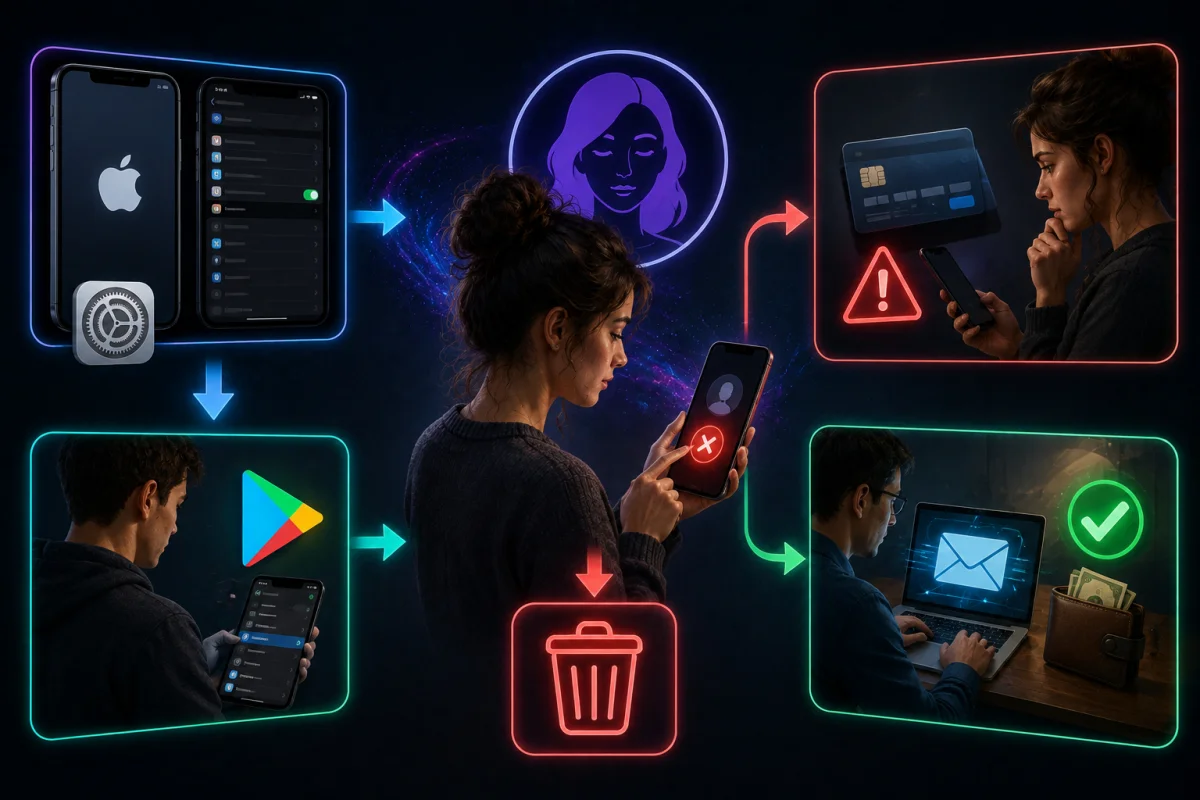
To cancel a Lisa AI subscription on an iPhone, open the Settings app and tap your name at the top of the screen. From there, select Subscriptions, then find Lisa AI in the list of active subscriptions. Tap Cancel Subscription and confirm the choice when prompted. The subscription remains active until the end of the current billing period, but no further charges will be made after cancellation is confirmed.
Canceling on Android
On Android devices, cancellation happens through the Google Play Store rather than the Lisa AI app. Open the Play Store, tap the profile icon, then select Payments and Subscriptions. Find Lisa AI under the list of active subscriptions and tap Cancel Subscription. As with iOS, access to premium features usually continues until the current billing cycle ends, even after cancellation is submitted.
If You’re Still Being Charged After Canceling
Some users report being charged even after attempting to cancel their Lisa AI subscription. This usually happens when cancellation was not completed correctly, or when it was submitted after a new billing cycle had already started. If a charge appears after cancellation, the first step is to confirm the subscription status directly in the App Store or Google Play account settings, not just inside Lisa AI. If the subscription still shows as active, repeating the cancellation steps above usually resolves the issue.
Requesting a Refund
If Lisa AI charges continue despite cancellation, refunds can be requested directly through Apple or Google rather than through Lisa AI support. Apple users can request a refund through the Report a Problem page in their Apple ID account, while Android users can do the same through Google Play’s order history. Providing clear details, such as the charge date and subscription name, speeds up the refund process and reduces back-and-forth communication.
Is Lisa AI Safe? Privacy and Data Considerations
Data privacy is a common concern for anyone using an app that requires photo uploads, and Lisa AI is no exception. Since the app processes personal images to generate avatars and art, users naturally want to know how that data is stored and used. Lisa AI states that it collects certain data types as part of normal app functionality, though the exact details can change over time. Reviewing the current privacy policy through the App Store or Google Play listing is the most reliable way to confirm what information is collected before uploading photos.
What Data Lisa AI Collects
Like most photo-based AI apps, Lisa AI may collect information such as uploaded images, device data, and usage patterns to improve its features. This data can also be used to support personalized recommendations within the app. Users who are cautious about privacy should review permissions requested during signup and avoid granting access beyond what is necessary for core features. Being selective about which photos are uploaded is also a simple way to limit exposure of personal images.
Common User Complaints and How to Avoid Billing Issues
A large share of negative feedback about Lisa AI relates to billing rather than the app’s core features. Many users report unexpected charges after a free trial ends, or difficulty locating cancellation options since subscriptions are managed outside the app itself. To avoid these issues, it helps to note the exact trial end date at signup and set a personal reminder before that date arrives. Checking active subscriptions directly through Apple or Google account settings regularly is also a simple way to catch unwanted charges early.
Lisa AI vs Alternatives
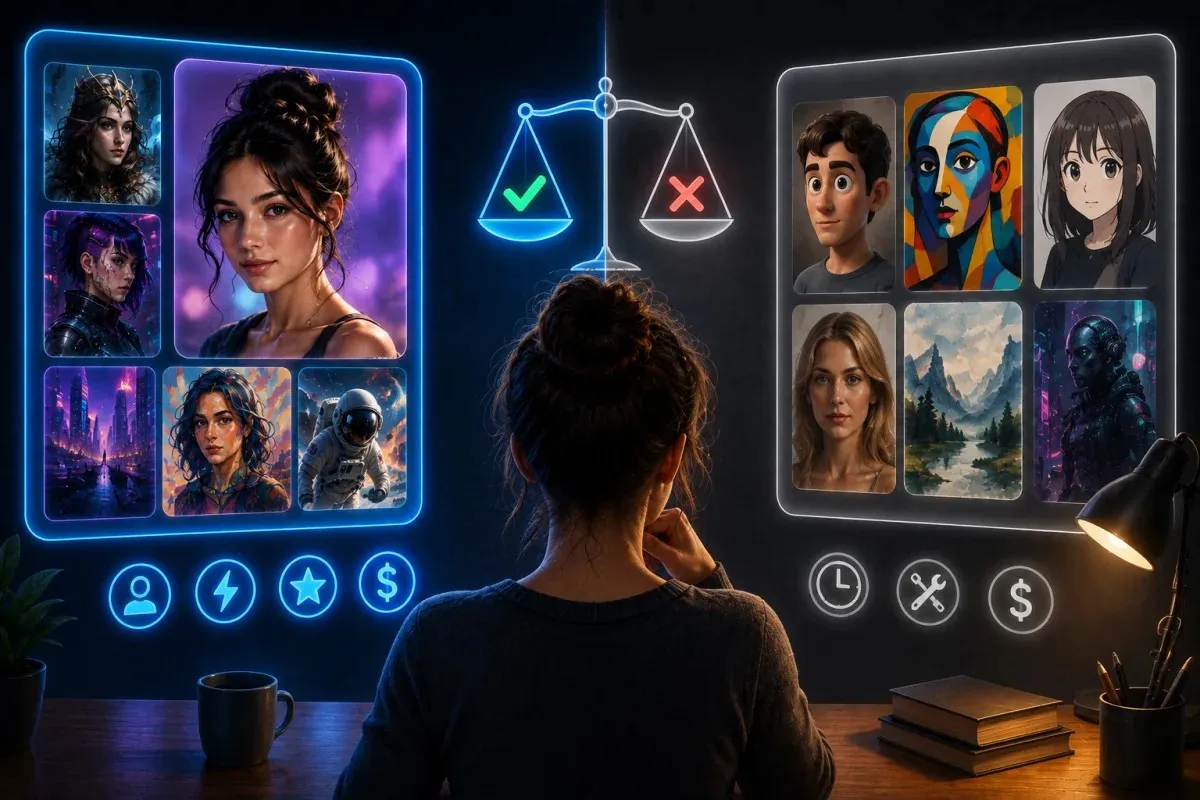
It is one of many AI avatar and art generator apps available today, so it helps to understand how it compares before committing to a subscription. While Lisa AI offers a solid mix of avatar creation, text to art, and video effects in one place, other apps may focus more narrowly on a single feature or offer different pricing structures. Comparing options based on features, cost, and ease of use makes it easier to decide whether it fits your specific needs.
When Lisa AI Is the Right Fit
Lisa AI works well for users who want a simple, all-in-one app rather than juggling separate tools for avatars, art, and video effects. Its wide range of avatar styles and frequent updates make it appealing for social media users who like to experiment with new looks regularly. Beginners who want quick results without a learning curve also tend to find Lisa AI convenient, since the interface does not require any prior design experience.
When to Consider Other AI Avatar or Art Tools
Users who want more control over fine details, or who plan to use generated images for professional projects, may prefer tools built specifically for detailed editing or higher resolution output. Some alternatives offer flat-rate pricing instead of a coin-based system, which can be easier to predict for budget-conscious users. Anyone who has had a frustrating experience with subscription management on one app may also want to compare cancellation policies before choosing a new platform.
Frequently Asked Questions
Is Lisa AI free?
Lisa AI is free to download and includes some basic features at no cost. However, many premium avatar styles, art effects, and video tools require either a paid subscription or coins purchased separately. Users who want full access to the app’s features should expect to pay for a subscription at some point, since the free tier is limited in scope.
Why is Lisa AI charging me without permission?
This usually happens when a free trial ends and automatically converts into a paid subscription, which is standard practice for many apps. If a charge appears unexpectedly, check your Apple ID or Google Play account to confirm the subscription status and billing date. If cancellation was already submitted but a charge still occurred, requesting a refund directly through Apple or Google is the fastest solution.
How do I contact Lisa AI support?
Lisa AI provides a support email for feedback, questions, or issues related to the app. For billing problems specifically, contacting Apple or Google support may resolve the issue faster, since subscriptions are processed through those platforms rather than through the app directly. Checking the app’s official listing on the App Store or Google Play is the best way to find current support contact details.
Can I use Lisa AI on desktop or web?
It is primarily designed as a mobile application for iOS and Android devices. There is no clear indication of a dedicated desktop or web version at this time. Users looking to generate avatars or AI art from a computer may need to explore alternative tools built specifically for desktop use, since its core experience is built around its mobile app.